
Check your engine light with the tool that shows you what the pros know. The GWSCAN tool and app offer essential diagnostics with advanced features to diagnose and reset check engine lights from your driveway.
SPECIFICATIONS
| Connectivity Method | Bluetooth | Software Updates | Free Lifetime | ||
| Reads ABS Codes | Yes | Warranty | 2 Years | ||
| Reads OBD-II Codes | Yes | Rechargeable | No | ||
| Clears Codes | Yes | Vehicle Compatibility | 85+ Brands | ||
| Input Voltage | 9~32 VDC | Processor | ARM Cortex-M4 | ||
| Upgradeable | Yes | Overall Length | 1.8 inches | ||
| Type | Diagnostic Scanner, Diagnostics | Overall Width | 1.7 inches |
Software updates are free for the GWSCAN for the life of the product.
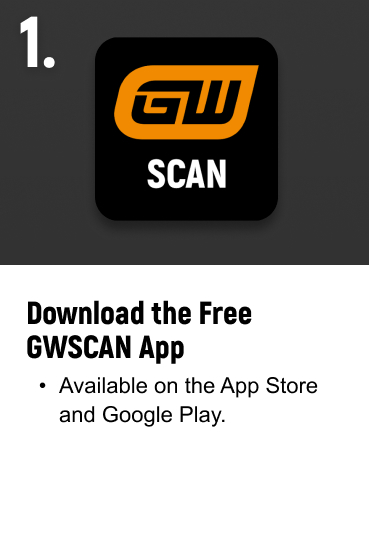
You can find the GWSCAN app in both the Apple Store and Google Play Store by searching "GWSCAN" and looking for the GWSCAN icon.

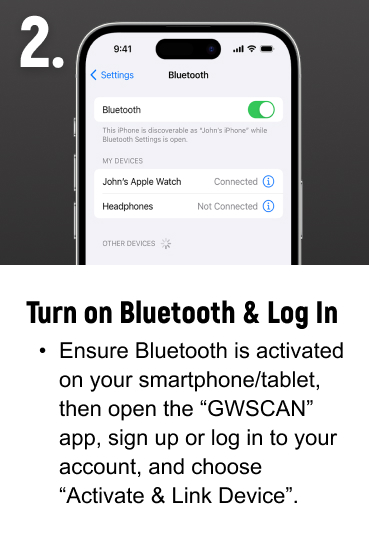
The GWSCAN app works on any Bluetooth enabled device, such as smartphones and tablets.
VEHICLE COVERAGE GUIDE
Use our Vehicle Coverage Guide to quickly check compatibility across makes, models, and systems. Whether you're a professional technician or a DIYer, this tool helps you make confident, informed decisions before you scan.

MANUALS & GUIDES
Access videos, manuals, and setup guides to get the most from your GWSCAN Bluetooth diagnostic scanner. Explore key features, find support materials, and unlock the full potential of your GEARWRENCH diagnostic tool.
